WhatsApp warmer Chrome extension vs desktop app: which is better for several numbers?
A Chrome extension is the cheapest way to warm up or message from WhatsApp Web, and it is fine for one or two numbers you watch yourself. For several numbers, a desktop app usually wins: each number can get its own isolated session, fingerprint and proxy, and it keeps running without your browser open. Neither is invisible to WhatsApp.
- Extensions live inside your Chrome profile. Quick to install and often free or cheap, but accounts in that profile share one browser fingerprint and IP, and everything stops when Chrome closes or the laptop sleeps.
- Desktop apps run their own sessions. Good ones isolate each number (session, fingerprint, proxy) and run all day on a PC that stays on. They cost more and need a machine.
- Behaviour matters more than the container. Both types drive WhatsApp Web, and WhatsApp is testing a warning for unofficial web clients that covers both.
- Rule of thumb: one or two numbers, an extension is fine. Three or more, or cold outreach at any volume, use a desktop app with per-number isolation.
How do WhatsApp warmer Chrome extensions work?
An extension adds its own code to web.whatsapp.com inside your Chrome. Warmer extensions typically ask you to open several WhatsApp Web tabs, log a different account into each, then press start, and the tabs chat with each other. Bulk sender extensions add a panel where you import a list and send with a delay between messages.
Here is what the Chrome Web Store looks like for this category as of October 2026:
- WA Web Plus by Elbruz Technologies is a privacy and productivity add-on for WhatsApp Web, with around two million users according to its listing. It is not a warmer, but it is what many people mean by "a WhatsApp extension", and it shows how mature and popular the category is.
- Bulk sender extensions such as Premium Sender and WA Message Sender. The latter's listing describes Excel import, sending without saving numbers and a configurable interval between messages, and calls itself an unofficial enhancement tool not endorsed by WhatsApp.
- Dedicated warmer extensions exist too, but there are only a handful and listings come and go. One that ranked for "WhatsApp warmer chrome extension" during our research returned an empty page when we opened its store listing directly.
Credit where it's due: extensions are quick, cheap and work inside the WhatsApp Web you already use. For one person with one or two numbers, that convenience is hard to beat.
How do desktop warmer apps work?
A desktop app ships its own browser engine and opens a separate WhatsApp Web session for each number, each with its own storage, so numbers never see each other's cookies. Apps built for many numbers usually go further: a different browser fingerprint per number and a separate proxy per number, so ten numbers don't look like one computer with ten accounts.
Because the app runs on its own, warm-up and sending carry on with Chrome closed, as long as the computer stays on. You can see every number in one window instead of a row of tabs. The trade-offs are real: an installer, a PC that has to stay awake, usually a higher price, and platform limits (Wassuply, for example, is Windows 10 and 11 only, with no Mac or Linux version yet).
Extension vs desktop app: side-by-side comparison
| Factor | Chrome extension | Desktop app |
|---|---|---|
| Setup | Install from the Chrome Web Store in a minute | Install a program, then connect each number by QR code |
| Cost | Often free or freemium; paid tiers usually monthly | Usually paid; some one-time, some monthly |
| Session isolation | Shares your Chrome profile; extra accounts need separate profiles, containers or isolation tricks | A separate session and storage per number by design |
| Browser fingerprint | One fingerprint for every account in that profile | Good apps give each number its own |
| Proxies | In practice one IP for the whole browser; per-account proxies are rare | Per-number proxies are common in apps built for many numbers |
| Multiple accounts | Comfortable for one to three; cluttered after that | Built for many numbers side by side |
| Running 24/7 | Stops when Chrome closes or the laptop sleeps | Runs while the PC is on, browser closed |
| Detection surface | Code injected into WhatsApp Web; named in WhatsApp's unofficial web client warning test | Drives WhatsApp Web from its own client; also in scope of that test |
| Data and permissions | Can read the WhatsApp Web pages it runs on; check the listing's data disclosure | Runs on your PC; check where contacts and messages are stored |
| Operating system | Anything that runs Chrome | Depends on the app |
Chrome profiles and Firefox containers deserve a mention as a free middle ground: they separate cookies so you can keep a few accounts logged in at once, but they don't change your fingerprint or IP, and they get unwieldy past a handful of accounts. For the bigger picture on running several numbers, see our guide to multiple WhatsApp accounts and running multiple WhatsApp accounts on one PC.
Which one is more likely to get your number banned?
Honestly, neither is safe, and the container matters less than what you do with it. WhatsApp says it detects unwanted automated messaging with machine learning and user reports, so what gets judged is behaviour: how fast you send, how many new chats you open, whether people reply, block or report. A desktop app blasting 500 cold messages from a week-old number will be banned faster than an extension sending ten personal messages to warm leads. Our deep dive on whether WhatsApp detects automation covers the signals.
Where the container does matter is linking. Many numbers on one IP and one browser fingerprint are easy to connect to each other, so one flagged number can expose the rest. Per-number isolation is the main structural advantage of a desktop app built for multiple numbers.
When is a WhatsApp Chrome extension enough?
- You run one or two numbers and check them yourself during the day.
- You message warm leads at a personal pace, not cold lists.
- You want to test an idea before paying for anything.
- You are on a Mac or Linux and need something today (Wassuply doesn't run there yet).
When is a desktop app worth it?
- You run three or more numbers, or add new ones every month.
- You do cold outreach, where one flagged number must not drag the others down.
- You want warm-up to run all day inside set hours, with no browser open.
- You need a separate proxy for each number.
- You want each number's warm-up plan and campaign pacing in the same place.
Five questions to ask before installing either
- Who publishes it, and when was it last updated? WhatsApp Web changes often; abandoned tools break in odd, robotic ways.
- What can it read, and where does that data go? Check the store listing's data disclosure or the vendor's privacy policy.
- Does each number get its own session, fingerprint and proxy? If not, your numbers are linked.
- What happens when the laptop sleeps? Warm-up that stops and starts in bursts is not the steady activity you want.
- Does the marketing promise "undetectable" or zero bans? Walk away. Nobody can promise that.
For a fuller test, use the ten-point checklist in is a WhatsApp warmer safe. If budget is the issue, our free WhatsApp warmer guide includes a manual plan that needs no tool at all.
Where Wassuply fits
Wassuply is a Windows desktop app for warming up and running many WhatsApp numbers for cold outreach, so it sits firmly in the desktop column. What that means in practice:
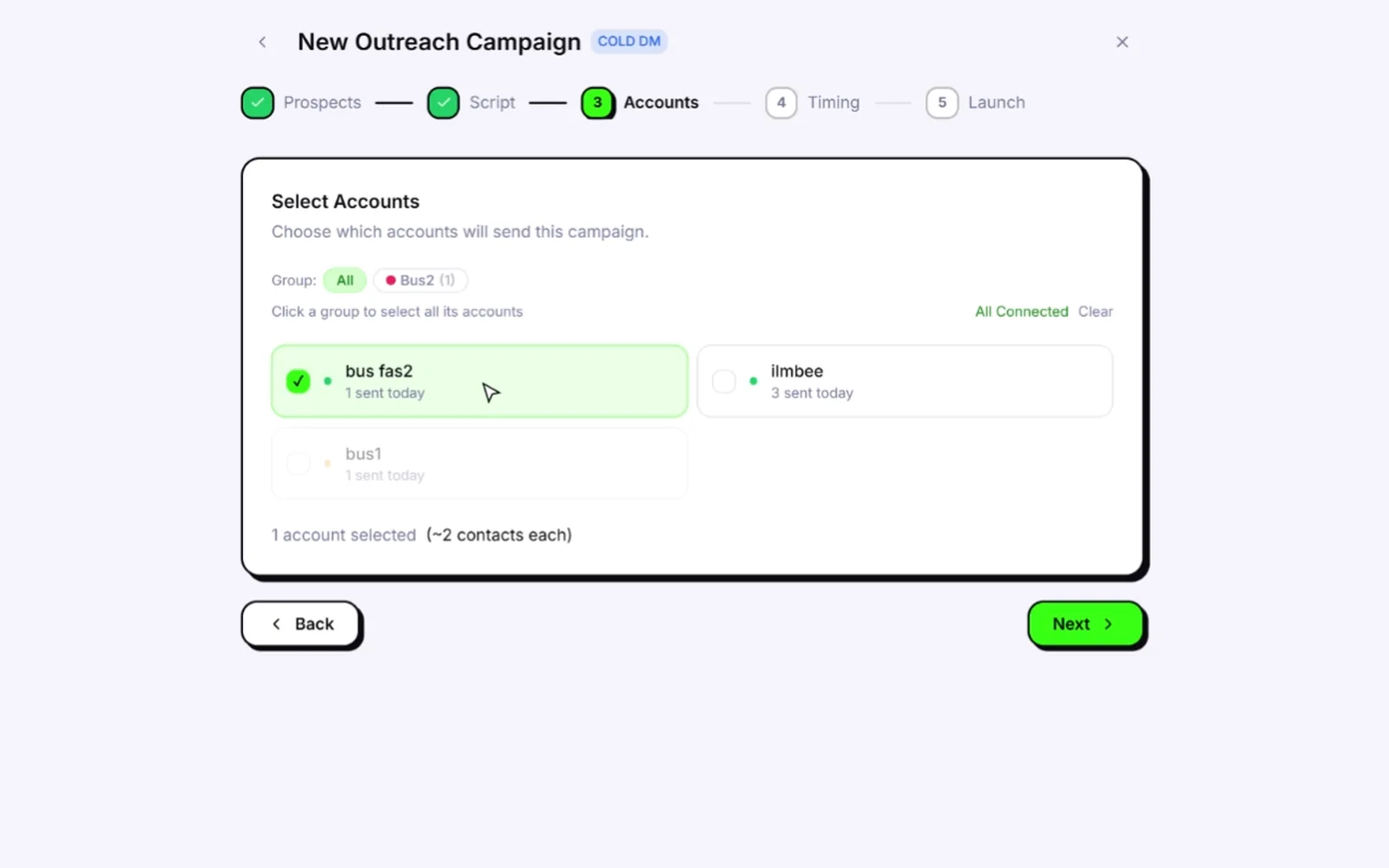
- Unlimited numbers side by side on the lifetime licence, with no logging out and in to switch accounts.
- Isolation per number: its own session, browser fingerprint and optional proxy. You bring residential or 4G proxies; Wassuply assigns one per number and checks it for leaks.
- Warm-up that runs without you: natural chat lines from 10 built-in packs or your own, never repeated by the same sender, random 30-120 second gaps, inside your hours or 24/7. Warm-up Pods add partners owned by other Wassuply users, so your numbers aren't only talking to each other.
- Health & Risk plans for every number (days to warm, safe daily limit, first campaign size) and paced campaigns with random 30-90 second gaps, batches of 10 and 1-5 minute breaks.
- Normal accounts: regular WhatsApp and WhatsApp Business through WhatsApp Web sessions, with no Business API and no per-message fees.
The honest limits: it needs a Windows 10 or 11 PC that stays on while it works, and like every tool in this article it can't make automation invisible. Compare the field in our best WhatsApp warmer roundup, or see the WhatsApp warmer guide for how each feature lowers risk.
Outgrown a row of browser tabs?
Run unlimited WhatsApp numbers side by side, each with its own session, fingerprint and proxy. Lifetime licence, every feature.
Free account. Windows 10 and 11. Warming and sending need an active licence.
Frequently asked questions
Is there a WhatsApp warmer Chrome extension?
Yes, a few warmer extensions exist in the Chrome Web Store. They typically have you log different accounts into several WhatsApp Web tabs and let the tabs chat with each other. Listings come and go, so check the publisher, the last update date and the data disclosure before installing one.
Are WhatsApp Chrome extensions safe?
Many are legitimate products, but all of them are unofficial: none is endorsed by WhatsApp, and they can read the WhatsApp Web pages they run on. Install only from the Chrome Web Store, check the developer and the data disclosure, and keep automation light.
Can WhatsApp detect Chrome extensions?
WhatsApp mainly detects behaviour, such as sending speed, new chats, replies and reports. WABetaInfo also reported in September 2026 that WhatsApp is testing a warning for unofficial web clients, including extensions that wrap WhatsApp Web. Assume it can see more than you think.
Can I run multiple WhatsApp accounts in Chrome?
Yes, with separate Chrome profiles, containers or session-isolating extensions, and it stays manageable for a few accounts. Unless you add proxies, they all share your computer's IP, and accounts in one profile share one browser fingerprint. For many numbers, a desktop app with per-number sessions and proxies is cleaner.
Does a desktop app make my numbers undetectable?
No. A good desktop app removes structural risks such as shared fingerprints and IPs, and it can pace sending, but WhatsApp still judges what each number does. Warm new numbers first, send at a human pace and message people likely to want your message.