Wassuply is a Windows app that runs multiple WhatsApp accounts in one window. Each number gets its own isolated session, browser fingerprint and optional proxy, so every account stays logged in side by side and you never log out to switch. The same app warms new numbers up and runs campaigns across all of them with gaps, batches and daily caps.
Free account. Windows 10 and 11. Warming and sending need a licence.
Yes, but not inside WhatsApp's own desktop apps. WhatsApp's Help Center says its multiple account feature is only available on mobile devices. On a phone you can keep two accounts in one app (Settings, the arrow next to your name, then Add account). WhatsApp Desktop and WhatsApp Web hold one account at a time.
Linked devices solve the opposite problem. One WhatsApp account can be linked to up to four devices at a time, such as a laptop and a tablet. That is one account on several screens, not several accounts on one screen.
So on a PC people improvise: WhatsApp Desktop for one number, WhatsApp Web in a second browser profile for the next, a private window for a third. It works for two or three numbers. Past that it gets slow to manage, and every number still shares the same computer, the same browser and the same internet connection. Our guide walks through every free way to use multiple WhatsApp accounts on PC, with the limits of each.
What each way of running several WhatsApp accounts on a computer actually gives you.
| WhatsApp Desktop | WhatsApp Web tabs | Browser profiles | Multi-messenger apps | Wassuply | |
|---|---|---|---|---|---|
| Numbers at once | 1 per app | 1 per browser profile; extra tabs reuse the same login | 1 per profile; gets messy past a few | Several; free plans may cap it | Unlimited |
| Isolation between numbers | One account only | None | Separate cookies and storage | Separate session per account, varies by app | Isolated session per number |
| Browser fingerprint per number | No | No | No: same browser, same device | Not a typical feature | Yes |
| Proxy per number | No | No | Not built in | Some apps offer it | Optional, with leak check |
| Warm-up for new numbers | No | No | No | No | Your numbers plus Warm-up Pods |
| Bulk sending with gaps and batches | No | No | No | No | 30-90 second gaps, batches of 10, daily caps |
| Ban-risk controls | No | No | No | No | Live 0-100 score, Smart Send, panic button |
| Price | Free | Free | Free | Free or subscription | App free; lifetime licence $397 |
| Runs on | Windows, Mac | Any desktop browser | Any desktop browser | Windows, Mac, most on Linux | Windows 10 and 11 |
Multi-messenger apps means tools such as Rambox, Ferdium, Wavebox and Shift, which wrap WhatsApp Web and other services in one window. Rambox's free plan, for example, allows two instances per app (rambox.app, October 2026). Dedicated WhatsApp desktop tools exist too: WADesk is a WhatsApp CRM for sales teams with multi-login, dedicated IPs per port, account warming and translation, sold as annual plans per port. See how it compares on our WADesk alternative page.
Every number lives in its own space inside one app. Nothing is shared that doesn't have to be.
Each number runs in its own sandboxed browser session with its own cookies and storage. Restarting or re-linking one number doesn't touch the others.
Each number presents its own browser fingerprint, including user agent, timezone and graphics signals, instead of one shared device signature for all of them.
Bring your own residential or 4G proxies (HTTP, HTTPS or SOCKS). Wassuply assigns one per number and runs a leak check that compares the number's IP with your real one.
Every number stays logged in, side by side in one window. Switching is one click, not a logout and a fresh QR scan.
Deauthorise the old computer and the encrypted vault restores your logged-in numbers on the new one, without scanning every QR code again.
The lifetime licence covers unlimited numbers (ports). There is no per-number fee when you go from 5 numbers to 50.
WhatsApp doesn't publish how it connects accounts to each other, and nobody outside Meta can tell you exactly what it checks. The risk is still easy to see. When ten numbers share one browser, one device signature and one IP address, they look like what they are: one operator. If a few people report one of those numbers, the rest are sitting right next to it.
Giving each number its own session, fingerprint and proxy doesn't make outreach invisible, and it doesn't change WhatsApp's rules. Its Terms of Service forbid bulk and automated messaging, so any tool that sends at scale carries risk. No tool can honestly promise you'll never be banned. Wassuply removes what gets numbers banned: brand-new numbers sending at volume, machine-like timing, identical messages, and a row of numbers that all look like one.
The full rulebook is in how to avoid a WhatsApp ban, and does WhatsApp detect automation? covers what is known about detection.
Running many numbers is only useful if they last. Wassuply, a Windows app for warming up WhatsApp numbers, treats them as one system.
Your numbers chat with each other using natural lines from 10 built-in chat packs or your own, in rotating pairs, never repeating a line from the same sender, with random 30-120 second gaps inside the hours you set.
It reads each number's age and history and gives it a plan: days to warm, safe daily limit and first campaign size, then flips it to Ready.
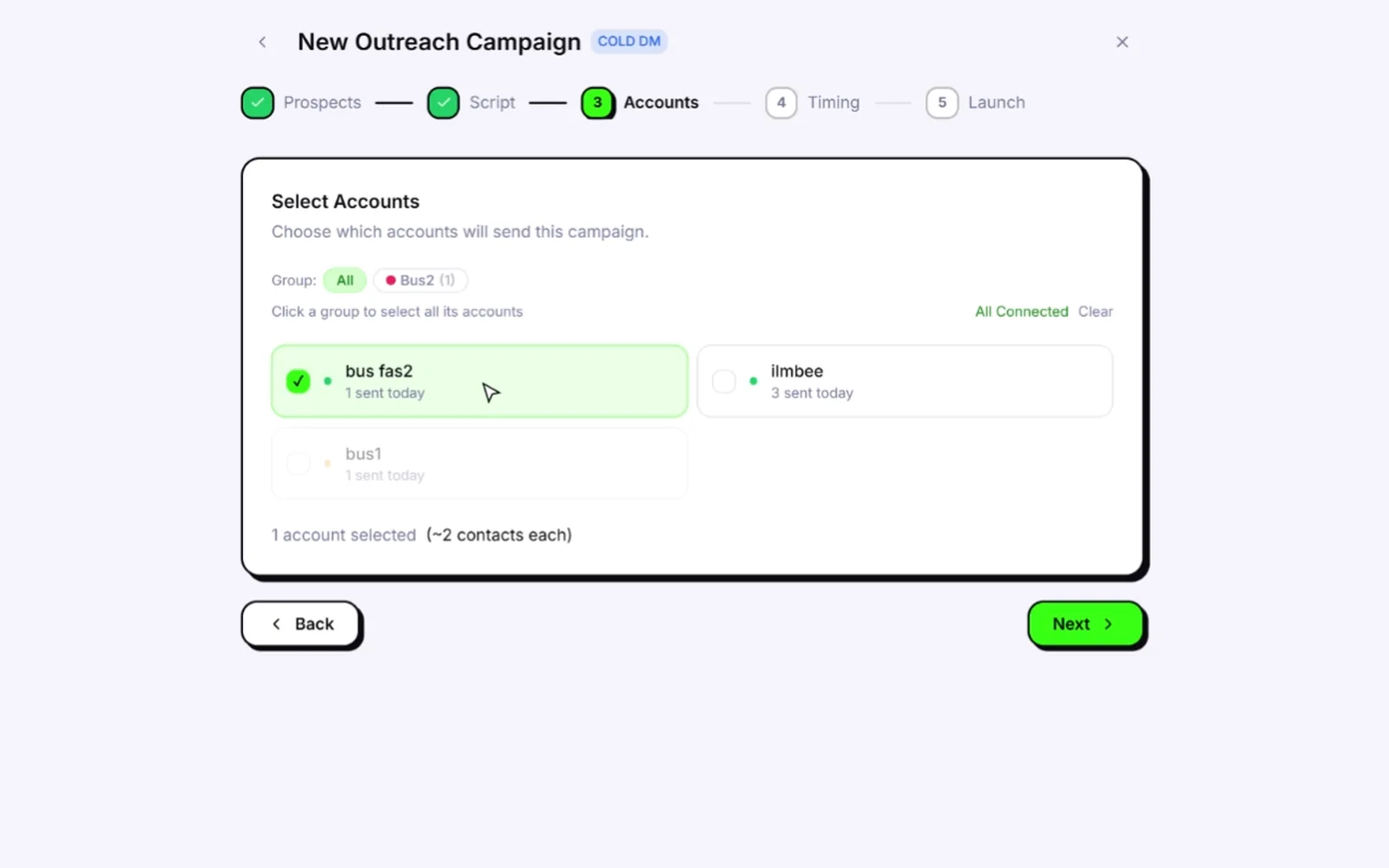
Pick several numbers for a campaign and sends rotate between them in turn. A number that is disconnected, has hit its daily cap or is held for ban risk is skipped, and the others carry on.
Random 30-90 second gaps, batches of 10 with 1-5 minute breaks, blackout hours so nothing goes out at night, and daily caps on every number.
More on each part: the WhatsApp warmer, the WhatsApp bulk sender, and how many WhatsApp accounts you need for bulk messages.
The app and account are free; warming and sending need an active licence. A full walkthrough is in how to use Wassuply.
On a phone, yes: WhatsApp lets you keep two accounts in one app, each with its own number. On a PC, WhatsApp Desktop and WhatsApp Web hold one account each. Wassuply, a Windows app, holds unlimited WhatsApp numbers in one window, each in its own isolated session.
As many as you have numbers for. The lifetime licence includes unlimited numbers (ports) at one price. Each account needs its own phone number and is linked from WhatsApp on the phone that holds it.
You need a separate phone number for every account, because WhatsApp verifies each account with one number. One dual-SIM or eSIM phone can hold two of them. Each number connects to Wassuply as a linked device, and WhatsApp asks you to log in on the primary phone every 14 days to keep linked devices connected.
Having several accounts is normal; WhatsApp itself supports two per phone. What gets numbers banned is how they are used: new numbers sending at volume, machine-like timing, identical messages and people reporting you. No tool can honestly promise you'll never be banned. Wassuply removes what gets numbers banned with isolation, warm-up, sending gaps and a live ban-risk score.
Yes. It drives normal WhatsApp and WhatsApp Business through WhatsApp Web sessions, so there is no WhatsApp Business API, no Meta approval, no templates and no per-message fees.
No, proxies are optional. If you use them, bring your own residential or 4G proxies; Wassuply assigns one per number and checks each for leaks. Without a proxy, every number still gets its own isolated session and browser fingerprint.
Not yet. Wassuply runs on Windows 10 and 11. There is no Mac or Linux version today.
The app and the account are free to download. Warming and sending need an active licence: the lifetime licence is $397 one-time during early access (regular price $2,499), with unlimited numbers, every feature and all future updates.
Download Wassuply free, connect your numbers and warm them up side by side. One lifetime price covers unlimited numbers.